

Booking a container
This walks the trader’s side of the booking flow. (The forwarder’s side is symmetric: requests appear in your inbox; confirming triggers the same events from the other direction.)
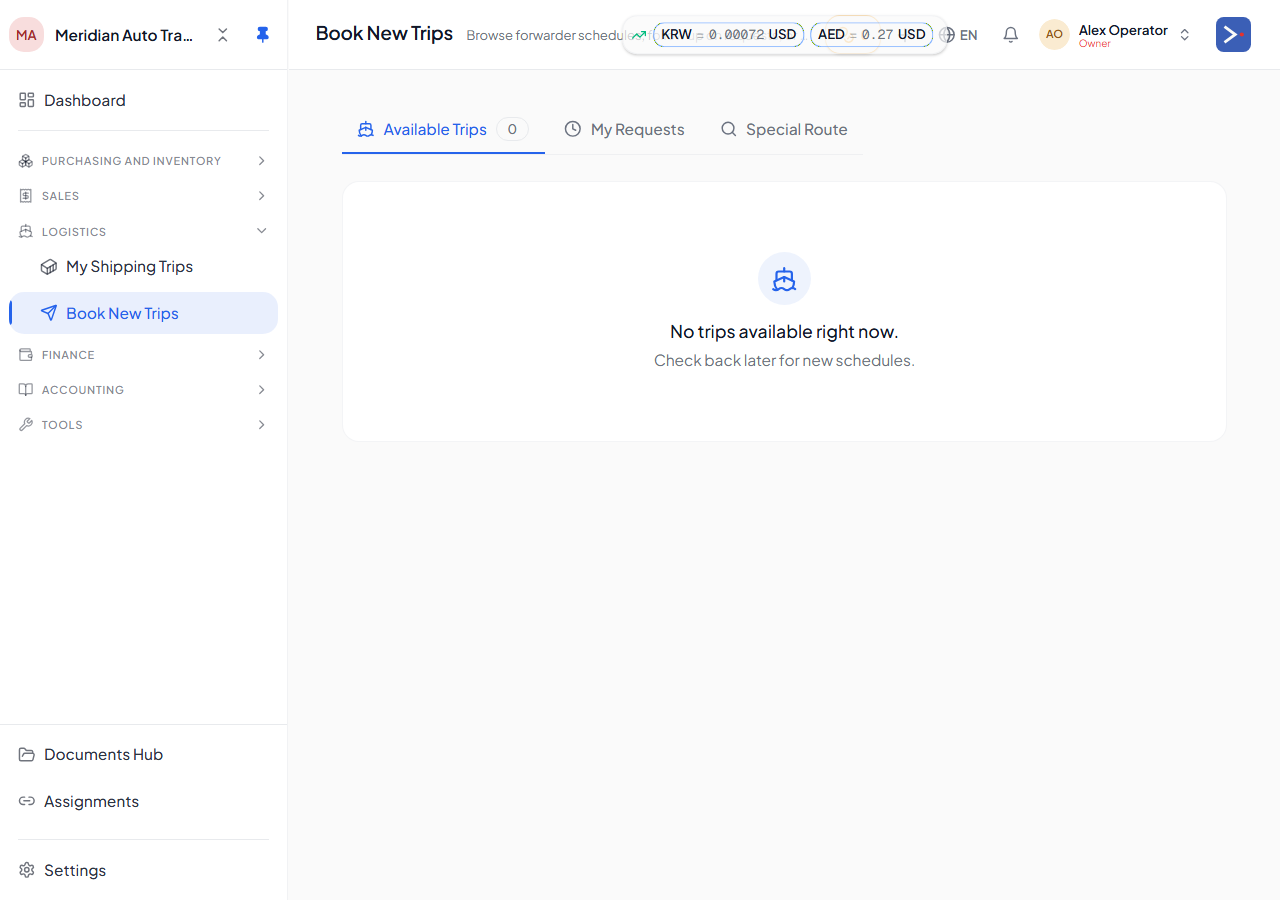
-
Pick a schedule from
/shipping-schedulesand click Request booking. -
Pick cars to assign. The picker shows only cars with
containerId IS NULL(a car can’t be in two containers). For a RORO trip, similar — cars withroroShipId IS NULL. -
Pick equipment type (container only) and loading method + days. The pricing matrix cell-matches your choices; total cost appears in the forwarder’s service currency.
-
Pick destination location (optional). When the container is marked
arrivedlater, every car’slocationIdwill be set to this value automatically. -
Submit. Forwarder receives the request in their booking inbox.
-
Forwarder confirms. This:
- Creates the container or RORO trip in your namespace.
- Sets each car’s
containerId(orroroShipId). - Moves the car’s derived Whereabouts forward (booked/loaded/shipped) as Shipment Journey stages are confirmed — the car’s commercial
status(in_stock/sold/cancelled) does not change; see Tracking. - Issues a confirmation packet.
-
Pay the forwarder. Open the forwarder’s invoice (it lands in your invoicing list as a
received_invoice), record payment from a vault. GL posts to AP and a freight cost row goes onto each car’s landed cost — see How your money flows for the accounting mechanics.
Capacity guard
Section titled “Capacity guard”Each container has a capacity (cars-per-box). The booking form rejects assignments that exceed it. Cancelled cars keep their containerId for audit but don’t count toward capacity, so you can re-book the slot.
Modifying after confirmation
Section titled “Modifying after confirmation”You can:
- Add cars to a confirmed booking (subject to capacity).
- Remove cars via
Unmap from container— the car’s derived Whereabouts reverts if it has no other shipping assignment (the car’s commercial status is unaffected).
You can’t change the destination terminal or ETD/ETA — those belong to the forwarder.