

Assignments
Assignments (/assignments) let you hand a piece of work on a shipment, container, order, or car to another company on the platform — for example, assigning a forwarder to handle a shipment, or a broker, inspector, shoring company, or dealer to a specific role on it.
How an assignment works
Section titled “How an assignment works”Your company creates an assignment against an entity (a shipment, container, order, or car), naming:
- Which company is being assigned.
- Their role — forwarder, broker, shoring, inspector, auditor, or dealer.
- Optional notes.
The assignment can also be created automatically by the platform — for example when a container booking is confirmed.
Status lifecycle
Section titled “Status lifecycle”An assignment moves through a simple lifecycle:
- Pending — created, waiting for the assigned company to respond.
- Active — the assigned company has accepted.
- Completed — the work is done.
- Cancelled — declined or called off.
The company that created the assignment (the owner) can cancel it at any point before it’s completed. The assigned company can accept or decline a pending assignment, and mark an active assignment as completed.
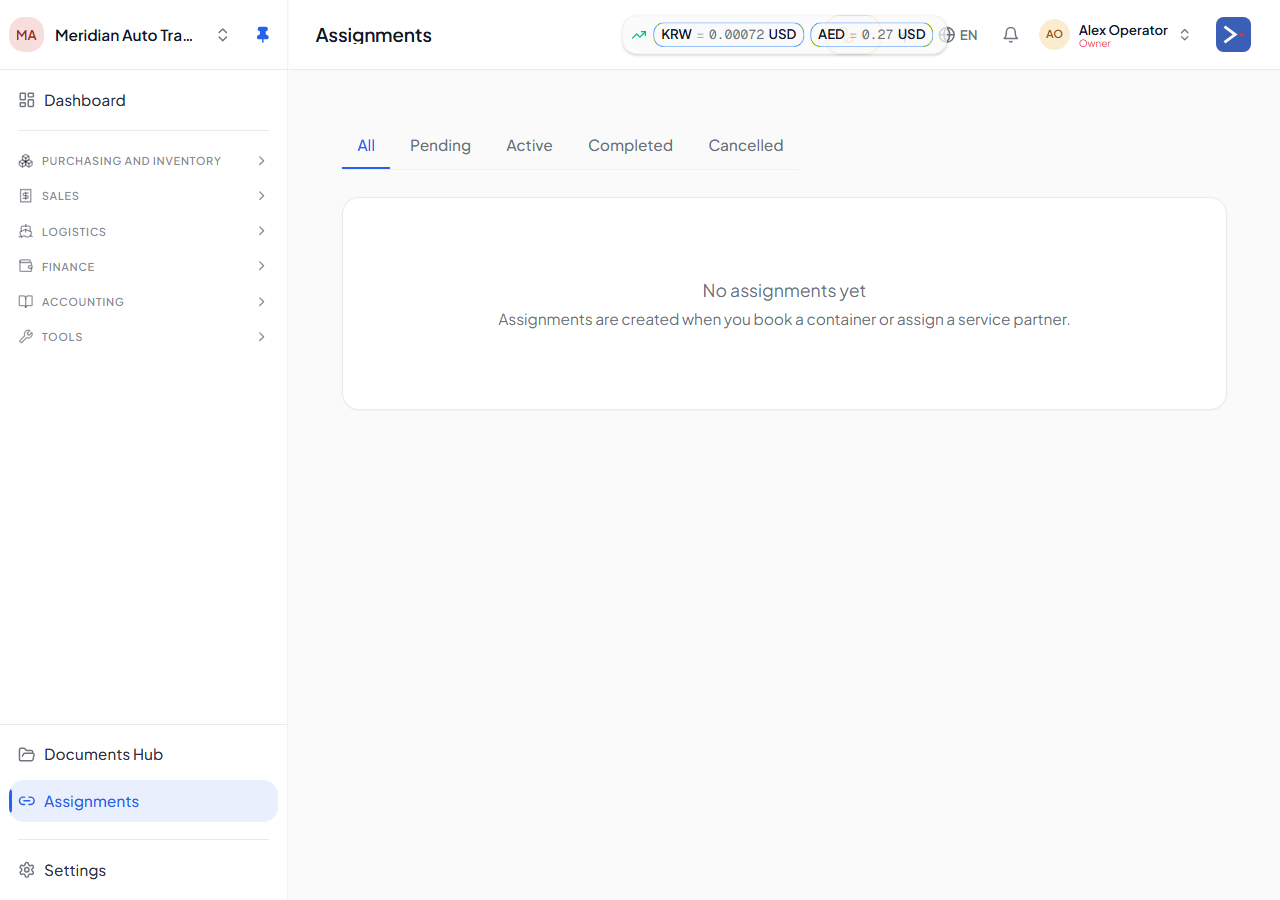
The Assignments page
Section titled “The Assignments page”The page lists assignments involving your company, split into tabs by status. Each row shows the assignment’s status, role, whether it’s outgoing (you’re the owner) or incoming (you’re assigned), the entity it’s attached to, who it’s assigned to (for outgoing assignments), and when it was created — with accept/decline/complete/cancel actions where applicable.