

FX Exchange Center
FX exchange happens inside Vaults → Add Transaction. It’s where you move money between vaults of different currencies and record the realized FX gain or loss correctly.
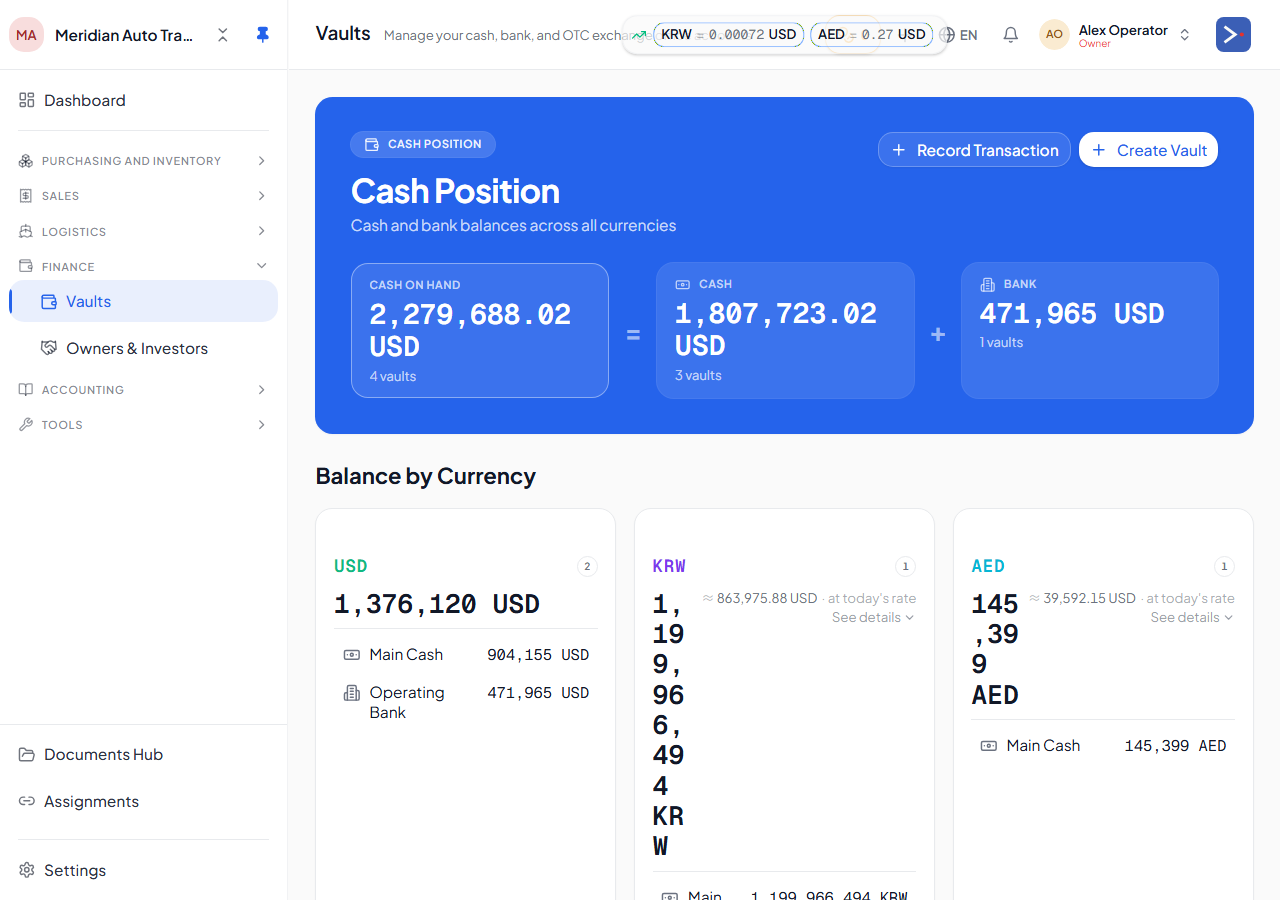
When to use it
Section titled “When to use it”- Convert a chunk of one vault’s currency to another (USD vault → LYD vault).
- Settle a foreign-currency invoice into a home-currency vault.
- Re-allocate between bank accounts in different currencies.
How to record an exchange
Section titled “How to record an exchange”-
Open Vaults → Add Transaction.
-
Pick the FX Exchange transaction type.
-
Pick From vault (the source currency) and To vault (the destination currency).
-
Enter the From amount (native of source currency).
-
Enter the Spot rate OR the To amount — fill one, the other auto-calculates from the spot rate.
-
(Optional) Override the platform rate if the actual converted rate at your bank differs from the published spot.
-
Pick the date.
-
Save.
GL shape
Section titled “GL shape”Dr To-vault leaf <to amount, in to-vault native currency at home equivalent> Cr From-vault leaf <from amount, released at vault cost rate>Dr or Cr 4900 / 5900 FX <realized FX gain or loss>The realized FX is the difference between releasing at the from-vault’s average cost rate vs. the actual conversion at the spot rate.
Exchange offices
Section titled “Exchange offices”An exchange office is a vault linked to a counterparty — it models funding an FX position from an outside money-changer rather than your own cash. Instead of requiring the vault to already hold the currency you’re converting, the platform lets it draw an advance from the linked counterparty (posted to account 2560, the exchange-office payable), and that advance auto-repays from later inflows into the same vault.
This is useful when you route trades through a real-world exchange office that fronts you currency before you settle up with them. The vault behaves like any other vault for reporting; the counterparty link is what lets the advance/repayment mechanics work.
Editing or deleting
Section titled “Editing or deleting”You can edit an exchange after creation — the platform reverses the original posts and re-posts with the corrected values, all in one transaction. Same with delete: full reversal.
Period-lock applies. An exchange dated in a closed period is read-only.
Direct deposit alternative
Section titled “Direct deposit alternative”If you’re depositing native-into-native (USD into your USD vault, no conversion), use the vault’s direct deposit action instead — no spot rate needed, no FX gain/loss. See Multi-currency & FX.
Related
Section titled “Related”- How your money flows — plain-language version of this page
- Multi-currency & FX
- The general ledger
- Chart of Accounts
Change log
Section titled “Change log”| Updated on | Feature / change | Reason |
|---|---|---|
| 2026-07-07 | Corrected route (standalone /fx-exchange retired, folded into Vaults → Add Transaction); added Exchange offices section; added frontmatter | Route changed in-app; exchange-office vault model (account 2560) was undocumented |