

Customer receipts
The Customer Receipts page (/customer-receipts) is where you record money coming in from a customer and apply it against the invoices they owe you for. Each receipt does two things in one step: it books the cash coming into your vault, and it settles (fully or partially) the customer’s open invoices.
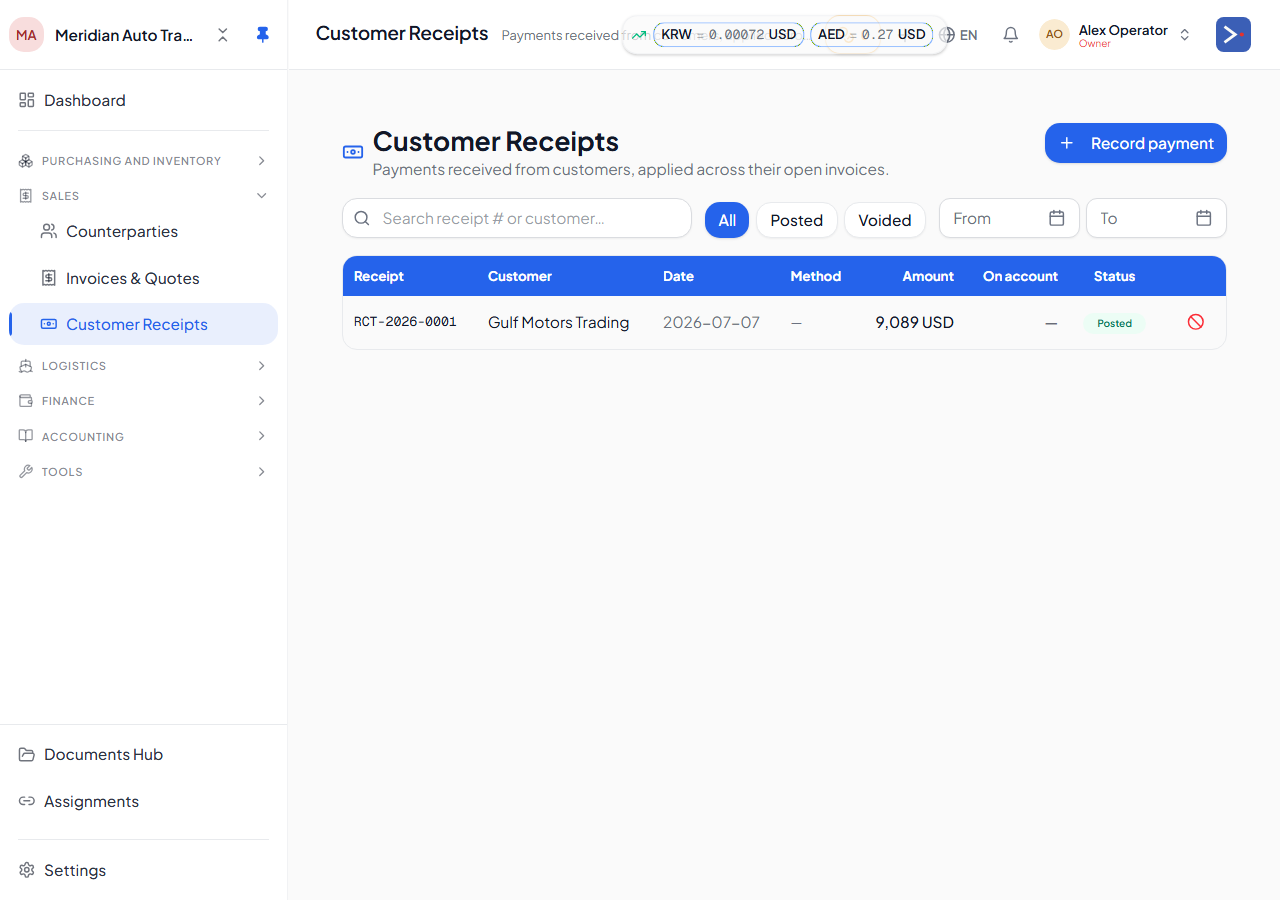
Recording a receipt
Section titled “Recording a receipt”To record a receipt you choose:
- The customer (counterparty) who paid you.
- The vault the money landed in (cash drawer, bank account, etc.).
- The currency and amount received.
- The date and, optionally, a payment method (cash, bank transfer, cheque, card, online, other) and a reference note.
Once you pick a customer, the page shows their open invoices — the ones still owed — so you can allocate the payment across one or more of them.
Partial payments and allocation
Section titled “Partial payments and allocation”A receipt doesn’t have to match an invoice exactly:
- Partial payment — apply less than the full invoice amount; the invoice stays open for the remaining balance.
- Split across invoices — one receipt can be allocated across several open invoices for the same customer at once.
- On account — if a customer pays more than what’s currently owed, or pays before an invoice exists, the extra amount sits as unapplied credit (“on account”) against that customer. You can apply it to a future invoice later from the receipt’s detail view, or refund it back out through the customer’s vault.
This is the same “open-item” approach used across the platform: invoices stay individually trackable as paid, partially paid, or open, rather than netting everyone’s balance into a single running total.
Multi-currency
Section titled “Multi-currency”A receipt is recorded in whatever currency the customer actually paid in. If that differs from the invoice’s currency, the platform still allocates it against the customer’s open balance — the underlying accounting conversion is handled automatically. See How your money flows for how amounts move between currencies and vaults.
Delivering and voiding
Section titled “Delivering and voiding”Once a receipt is posted you can generate a receipt PDF and deliver it to the customer by email or WhatsApp. If a receipt was entered in error, it can be voided — this reverses the underlying accounting and un-applies it from any invoices it was allocated to, putting those invoices back to their prior open balance.