

2. Vaults
A vault in Export119 is any place money lives — a cash drawer, a petty-cash tin, a bank account. Each vault is either single-currency (one balance) or multi-currency (a parent with per-currency sub-vaults).
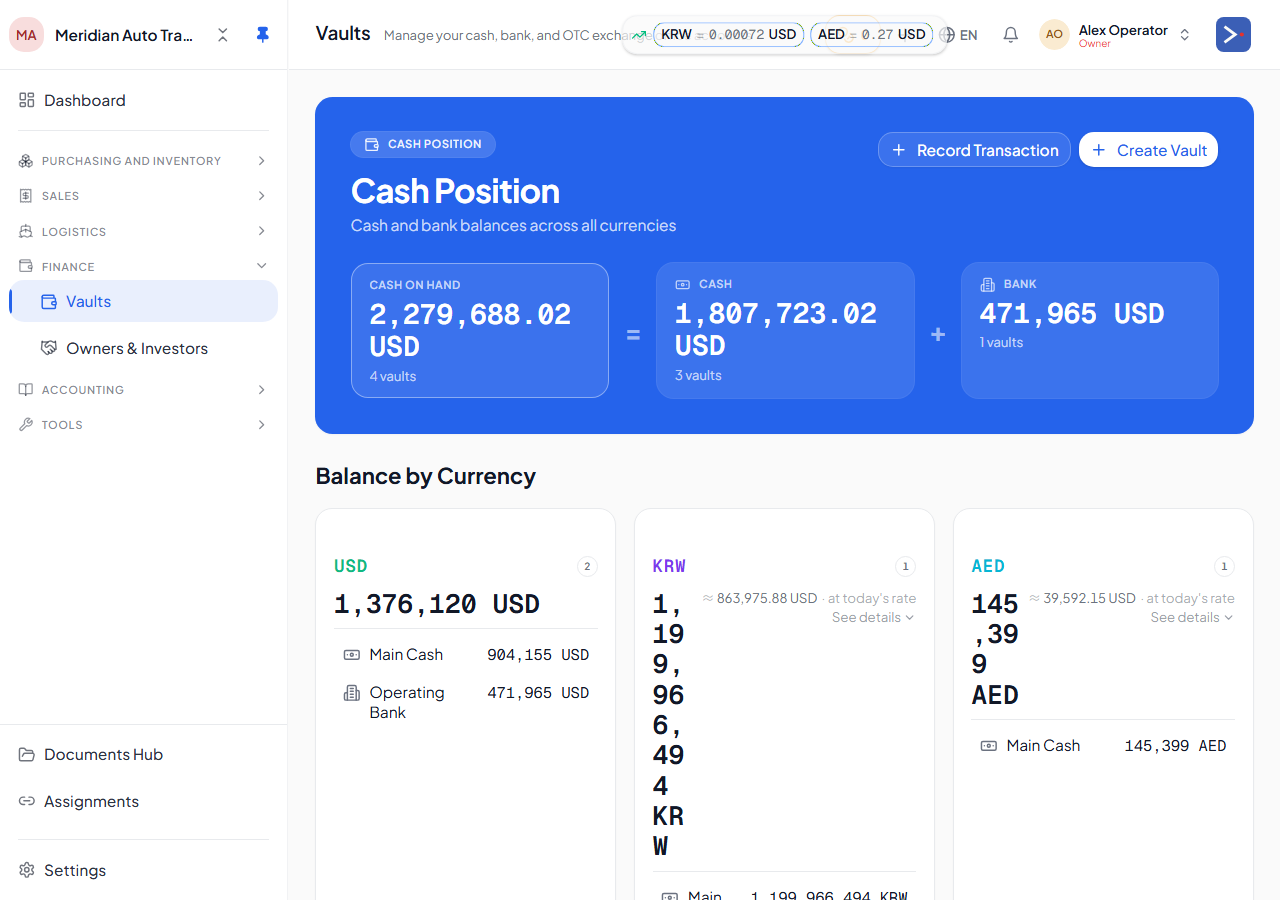
What to enter
Section titled “What to enter”-
Add a parent vault per physical place. Settings on the row for type (cash vs bank), name (e.g. “KEB Hana — main USD account”), and home currency.
-
For each currency the vault holds, add an opening balance row. Pick the currency, enter the native amount.
-
For foreign-currency openings, hit “Use platform rate” to load the spot rate from step 1. The card immediately previews
≈ posts to OBE as N.NN <home>so you see the GL impact before saving.
What happens on save
Section titled “What happens on save”Each opening-balance row increases that vault’s balance and moves the home-currency equivalent into the Opening Balance Equity bucket you’ll reclassify in Step 7. See How your money flows for the mechanics.
The vault’s cost basis is set to the home equivalent at save time — this is what drives FX gain/loss later when you spend the money. See Multi-currency & FX.
Common mistakes
Section titled “Common mistakes”- Opening the wrong currency. A Hana USD account should have a USD opening, not LYD. The currency tag is the truth; “Hana” alone tells the system nothing.
- Backdating the spot rate. If
HOME_RATE_MISSING:USD:LYDappears in the toast on save, you didn’t backdate the rate — go back to step 1. - Zero-balance vaults. Fine to add them — the vault is still created and linked correctly from day one, just with a zero opening balance.