

The sales pipeline
Selling a car on Export119 walks through three sales documents — Quotation, Proforma, Invoice — even if you don’t issue all three. Each builds on the previous, and only the Invoice posts to the GL.
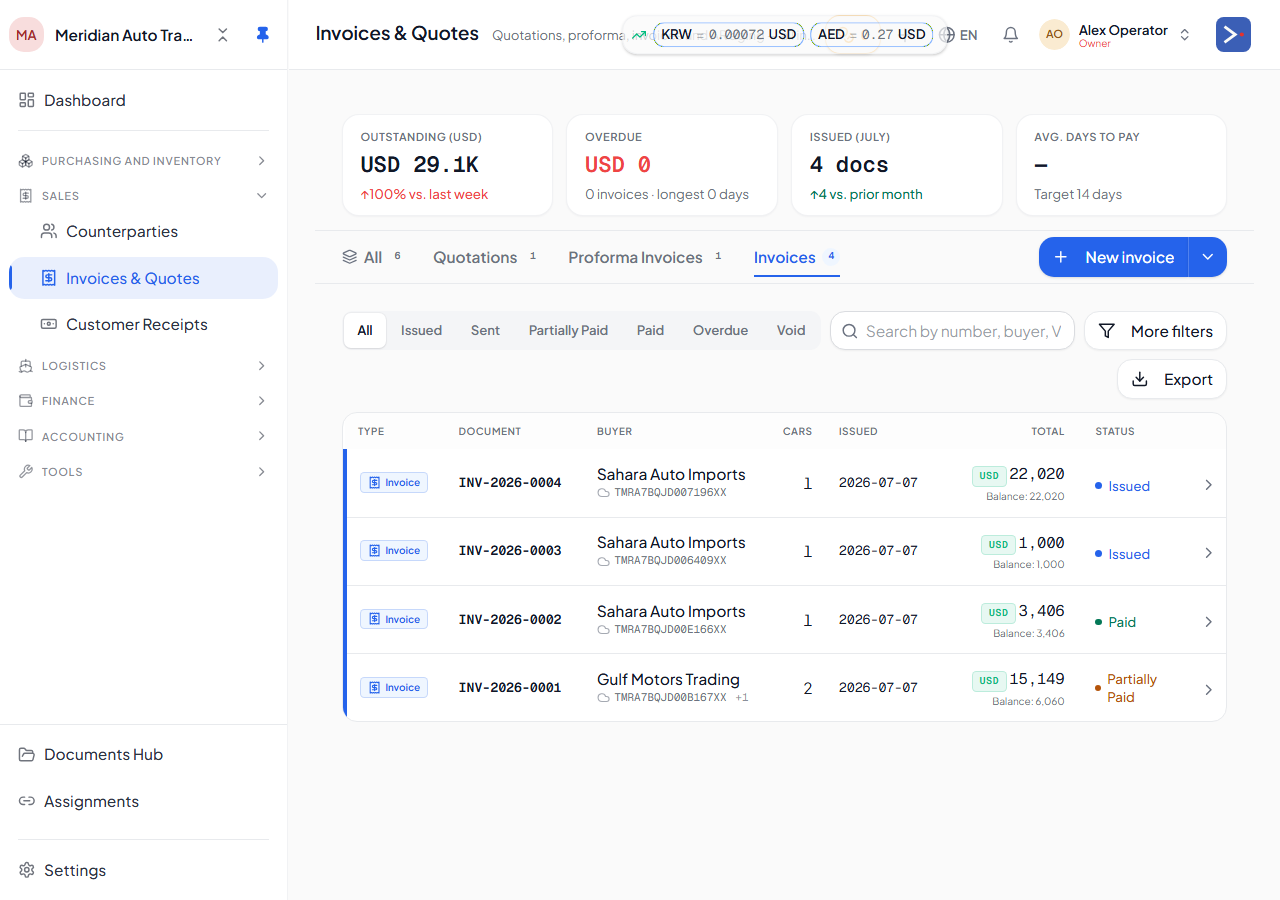
The three documents
Section titled “The three documents”| Document | What it is | Posts GL? |
|---|---|---|
| Quotation | A non-binding price offer. Multiple cars per quote, multiple proposals possible. | No |
| Proforma | A binding price proposal — the buyer’s signal to pay or finance. Locks the price + terms. | No |
| Invoice | The final sale document. Triggers revenue, COGS, AR, deposit clearing, status flip. | Yes |
You can issue an invoice directly without a quotation or proforma. The chain is for when the buyer needs multiple back-and-forths or financing approval.
Document lines
Section titled “Document lines”All three carry car lines + service lines:
- Car lines — each line references a specific car. The line’s price is the sale price; tax accrues per the destination rate.
- Service lines — non-car charges (inspection fee, document fee, courier, brokerage). Don’t trigger COGS or status flips.
When the invoice issues
Section titled “When the invoice issues”Issuing transforms the sale into accounting state. See Issuing an invoice for the full flow. Briefly:
- Revenue and tax are recorded for each line.
- The cost of each sold car is recognized against your inventory.
- The amount the buyer owes you (AR) opens automatically.
- Any customer deposits already on file for that buyer are applied against the amount owed.
- The car’s status flips to
sold_locallyorsold_import.
To see exactly how this posts to your books, see How your money flows.
When the invoice is paid
Section titled “When the invoice is paid”Open the invoice, click Record payment, pick a vault. The amount owed clears. If the payment currency differs from your home currency, any gain or loss from the exchange is recorded automatically — see How your money flows.
Related
Section titled “Related”- Customer deposits — pre-sale advances and their clearing
- Issuing an invoice
- Voiding an invoice
- Cross-tenant invoices
- How your money flows